Sofa IPTV Live TV, Sports & Movies Made Simple
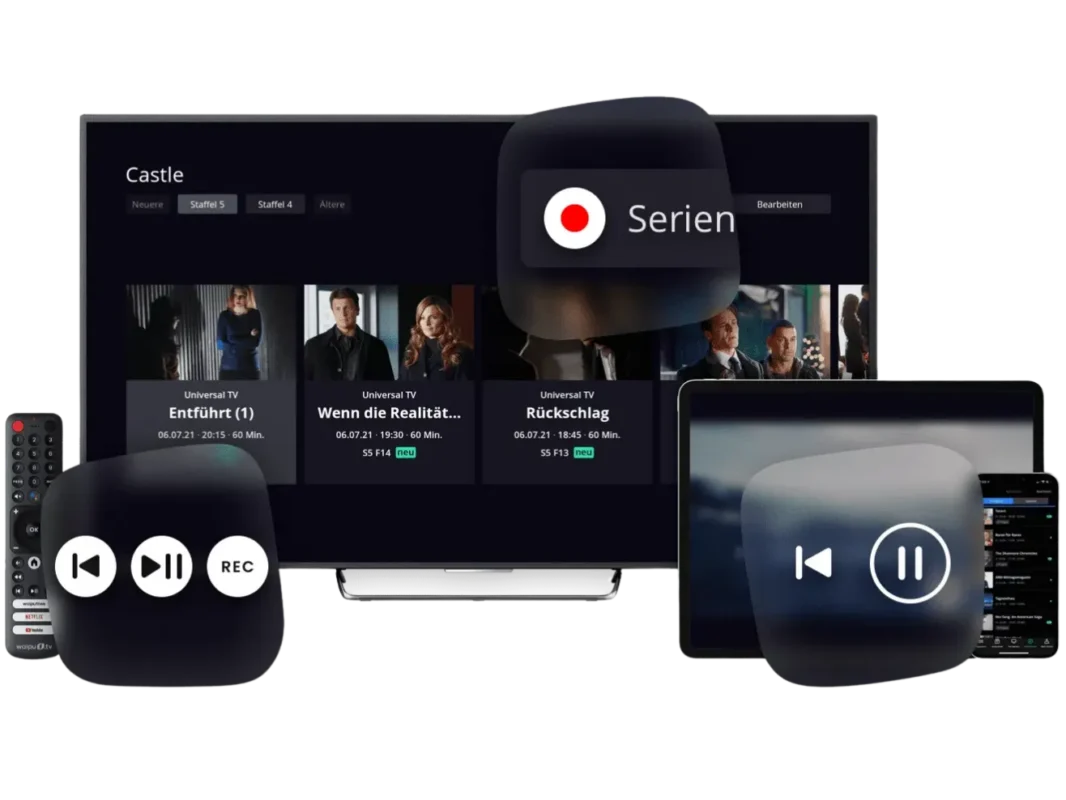
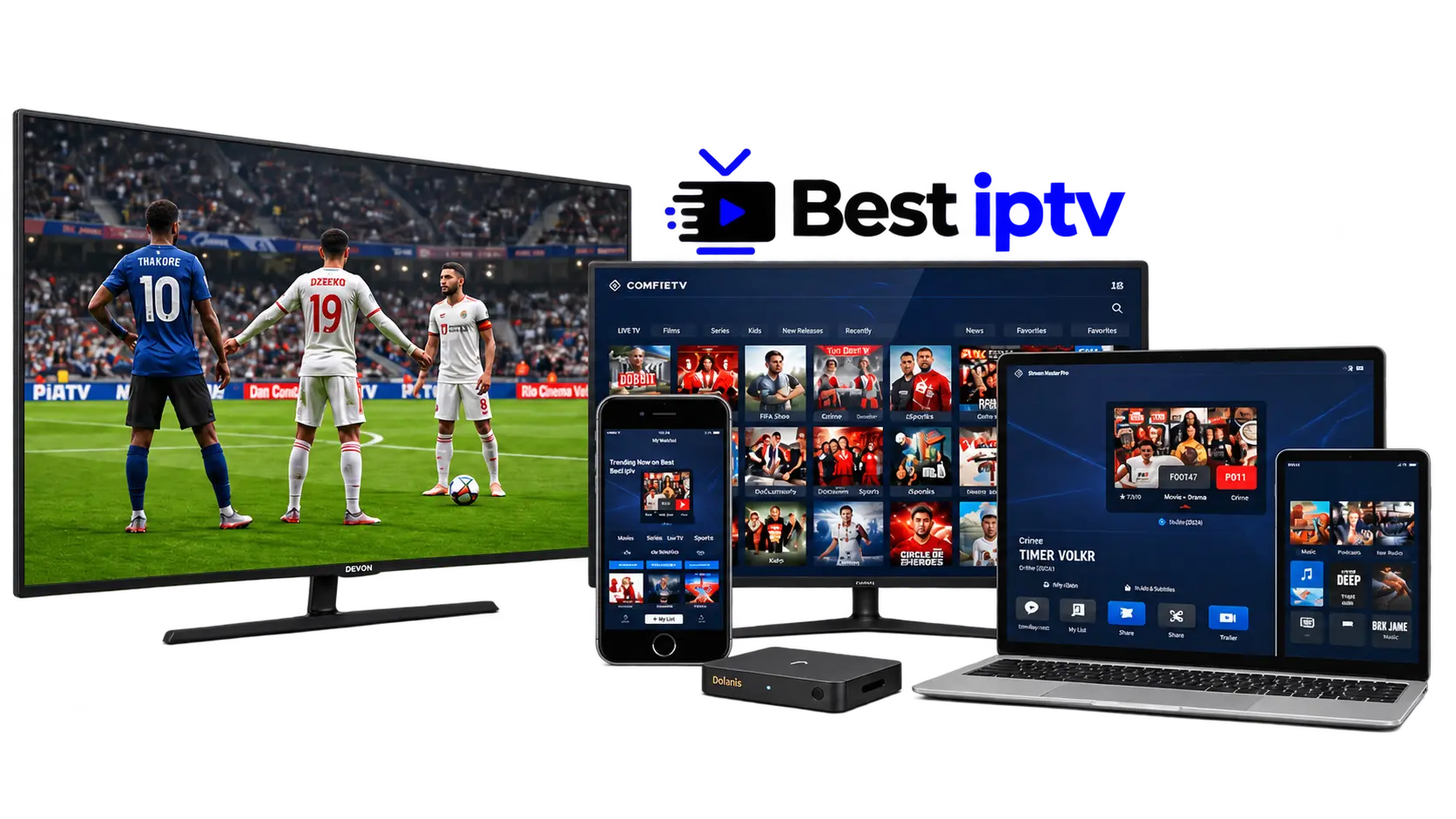
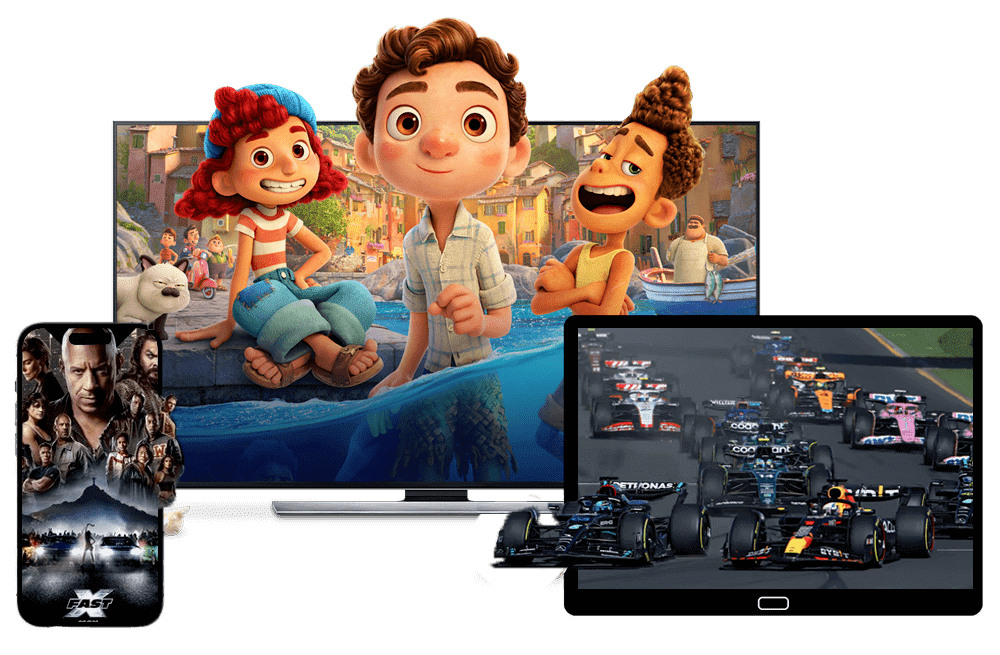
Looking for a flexible way to enjoy live television and on-demand entertainment?Sofa IPTV helps you explore IPTV subscription options for live TV, sports, movies and TV shows.Compare available packages, review UK and USA viewing options, and find setup guidance for compatible devices before choosing your subscription.
- Live TV & Sports
- Smart TV & Firestick
- HD & 4K Options
Content availability, streaming quality, compatible devices and trial conditions depend on the selected subscription plan. Review the current details before ordering.

What to Consider Before Choosing a Sofa IPTV Subscription
A good IPTV experience starts with understanding your subscription.Check the entertainment available, supported devices and picture quality so you can select a plan that matches how and where you watch.
Explore Live TV, Sports and On-Demand Content
Review the channels, sports coverage, films and series offered in your region.For IPTV viewers in the UK and USA, checking the available channel list helps you understand what is included before purchasing a Sofa IPTV plan.
Check IPTV Device Compatibility
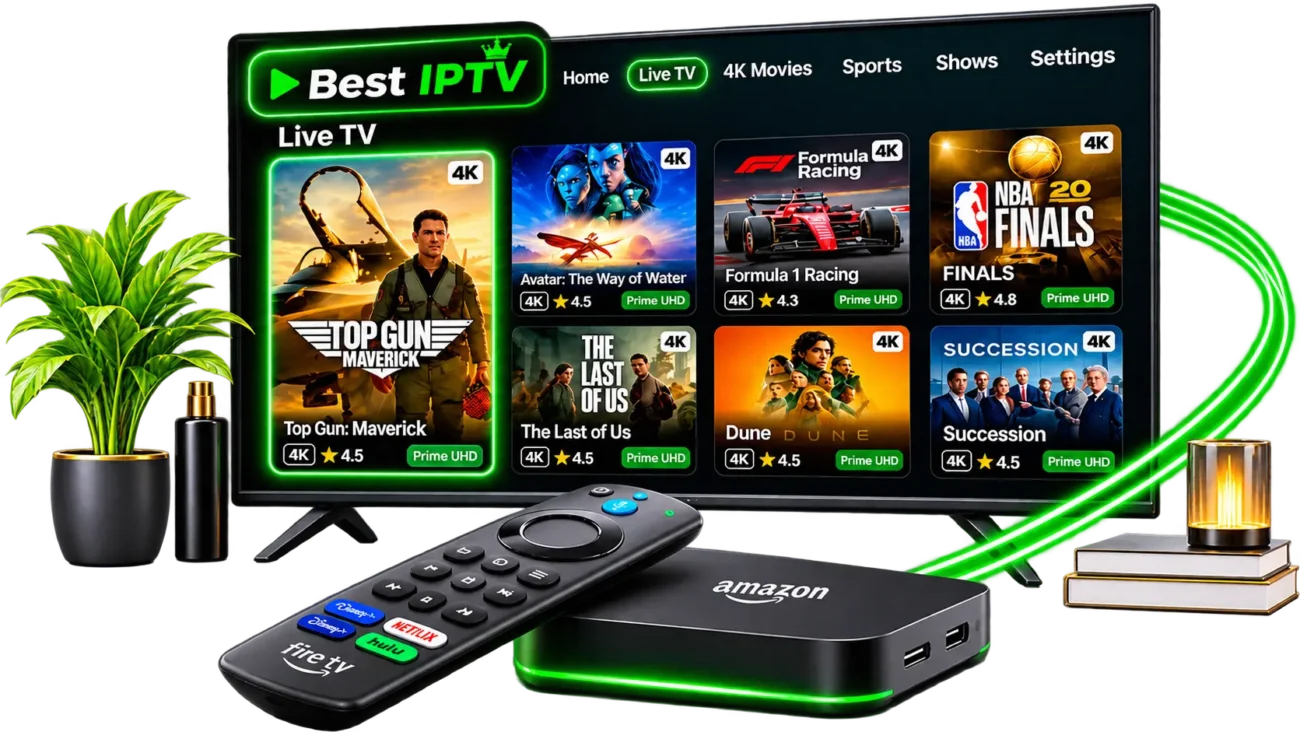
Streaming devices may require different apps and installation methods.Before getting started, check compatibility with Firestick, Samsung or LG Smart TV, Android TV and other supported platforms.See our IPTV setup guide for installation information.
Understand HD and 4K Streaming Quality
Video quality can vary depending on the channel, device, subscription and internet connection.Compare the available HD and 4K options, supported player settings and connection requirements before selecting your streaming plan.
Ready to Explore Sofa IPTV?
Compare available subscription packages, review device compatibility and find the viewing option that suits you.









Sofa IPTV Setup Guide for Firestick, Smart TV & More
This Sofa IPTV setup guide explains how to choose and install an IPTV player on Firestick, Samsung and LG Smart TVs, Android TV, Apple TV, iPhone, iPad, Windows, Mac and MAG boxes. Find practical device instructions, learn how to enter an authorized M3U playlist or Xtream Codes-compatible login, and troubleshoot buffering, app errors and electronic program guide (EPG) issues.
Quick setup: Check your device model, choose a compatible player from a trusted source, enter your authorized streaming details, and test a live channel and TV guide. The exact screens depend on the device and app.
Use only streams and playlists you are authorized to access. App availability and installation methods vary by device model and region.
Choose Your Device for IPTV Installation
Swipe or use the arrows to find step-by-step IPTV setup instructions for your screen. This device image carousel also advances automatically when it is visible and not being used.
 🔥 Amazon Fire TVFirestick IPTV setup guide
 📺 Samsung & LGIPTV players for Tizen and webOS
 ▶ Android & Google TVAndroid TV player and playlist setup
 🍎 Apple TVIPTV player setup on tvOS
 📱 iPhone & iPadIPTV apps for iOS and iPadOS
 💻 Windows & MacDesktop IPTV and M3U playlists
 📡 MAG BoxMAG IPTV portal & MAC setup
 ⚙ IPTV Player AppsCompare IPTV players in 2026
Sofa IPTV Installation Guides by Device
Each tutorial covers player compatibility, playlist setup and first-play checks without assuming that every device works the same way.
How to Install IPTV on Firestick in 2026
Fire TV devices do not all run the same software. Check whether your model uses Fire OS or Vega OS, then look for a compatible player in the device app store. Once installed, add your authorized M3U playlist or supported login details and test live playback.
Firestick IPTV guideSamsung and LG Smart TV IPTV Setup
Samsung Tizen and LG webOS have their own app ecosystems. Find an IPTV player offered for your specific TV model and region, then use the app's supported playlist or account method. If an app is unavailable, verify compatibility before attempting another installation method.
Samsung & LG setupIPTV Installation on Android TV and Google TV
Choose a reputable IPTV application that supports your Android TV version and remote control. Add your authorized account, import an M3U playlist where supported, and configure the EPG so live channel names and program information are easier to navigate.
Android TV setupHow to Set Up IPTV on iPhone and iPad
Search the App Store for a compatible player, check its privacy information and supported playlist formats, and sign in using your permitted details. Test streaming over Wi-Fi before changing network or playback settings.
iPhone and iPad guideIPTV on Apple TV 4K and Apple TV HD
Explore IPTV player applications built for tvOS. Make sure the player accepts your M3U playlist, account credentials, or supported provider connection. Use the Apple TV remote to check the live TV guide, subtitles and audio output.
Apple TV setupIPTV Setup for Windows PC and Mac
On a computer, compatible media players such as VLC can open an authorized M3U playlist. Compare desktop IPTV interfaces, check stream URLs securely, and configure captions or audio tracks before attempting higher-resolution playback.
Windows and Mac guideMAG Box IPTV Portal Configuration
MAG set-top boxes may require a portal URL and device identification instead of the same login screen used by modern apps. Check your box model, firmware, and portal compatibility before entering provider-issued details.
MAG Box guideBest IPTV Player Apps Compared (2026)
Compare TiviMate, Smarters Pro, Sparkle TV, IPTVX, VLC, Kodi, OTT Navigator and GSE Smart IPTV. Learn which player suits your device, whether it supports M3U, Xtream Codes or MAG portals, and how to check EPG, favorites and recording options.
Compare playersHow to Install and Set Up IPTV in Four Steps
These steps apply to many players, but the exact screens and supported login methods depend on your device.
Check compatibility
Identify the TV model or streaming device, confirm its software version, and find out whether your chosen IPTV app is available through its store.
Install from a trusted source
Download a supported app from the official device store or trusted developer. Avoid unknown installer codes and unverified APK downloads.
Add your streaming details
Import the authorized M3U playlist or sign in with server address, username and password. MAG devices may require a portal URL.
Organize and test
Allow guide data to load, check audio and subtitles, test a few channels and adjust video quality only when your stream supports it.
Internet Speed and Device Recommendations
Typical Internet Speeds for IPTV Streaming
- SD streaming: Around 5 Mbps as a starting point.
- HD streaming: Roughly 10–15 Mbps for one stream.
- 4K streaming: Around 25 Mbps or more, depending on the stream.
- Multiple TVs: Allow additional bandwidth for each simultaneous stream.
Common Setup Mistakes to Avoid
- Pasting the playlist URL with spaces or trailing characters.
- Using an outdated player build that no longer supports the login method.
- Typing credentials into an unofficial app store listing.
- Judging buffering on a single peak-hour test.
IPTV Player Apps for Firestick, Smart TV, Apple TV & PC
Explore TiviMate, Smarters Pro, Sparkle TV, IPTVX, VLC, Kodi, OTT Navigator and GSE Smart IPTV. The automatic gallery links to installation advice; always check app availability and supported login methods for your device.
 TiviMateAndroid TV / Google TV · Playlist, EPG & favoritesView setup details →
 Smarters ProSelect supported devices · Player login & playlist formatsView setup details →
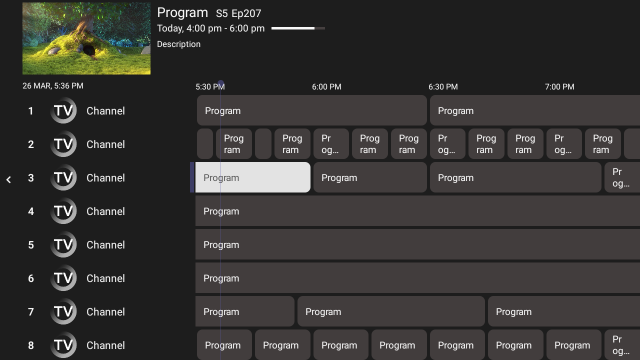 Sparkle TVAndroid TV / Google TV · TV guide and recording optionsView setup details →
 IPTVXApple TV / iPhone / iPad · Apple-friendly IPTV interfaceView setup details →
 VLC Media PlayerWindows / Mac · Open supported M3U media filesView setup details →
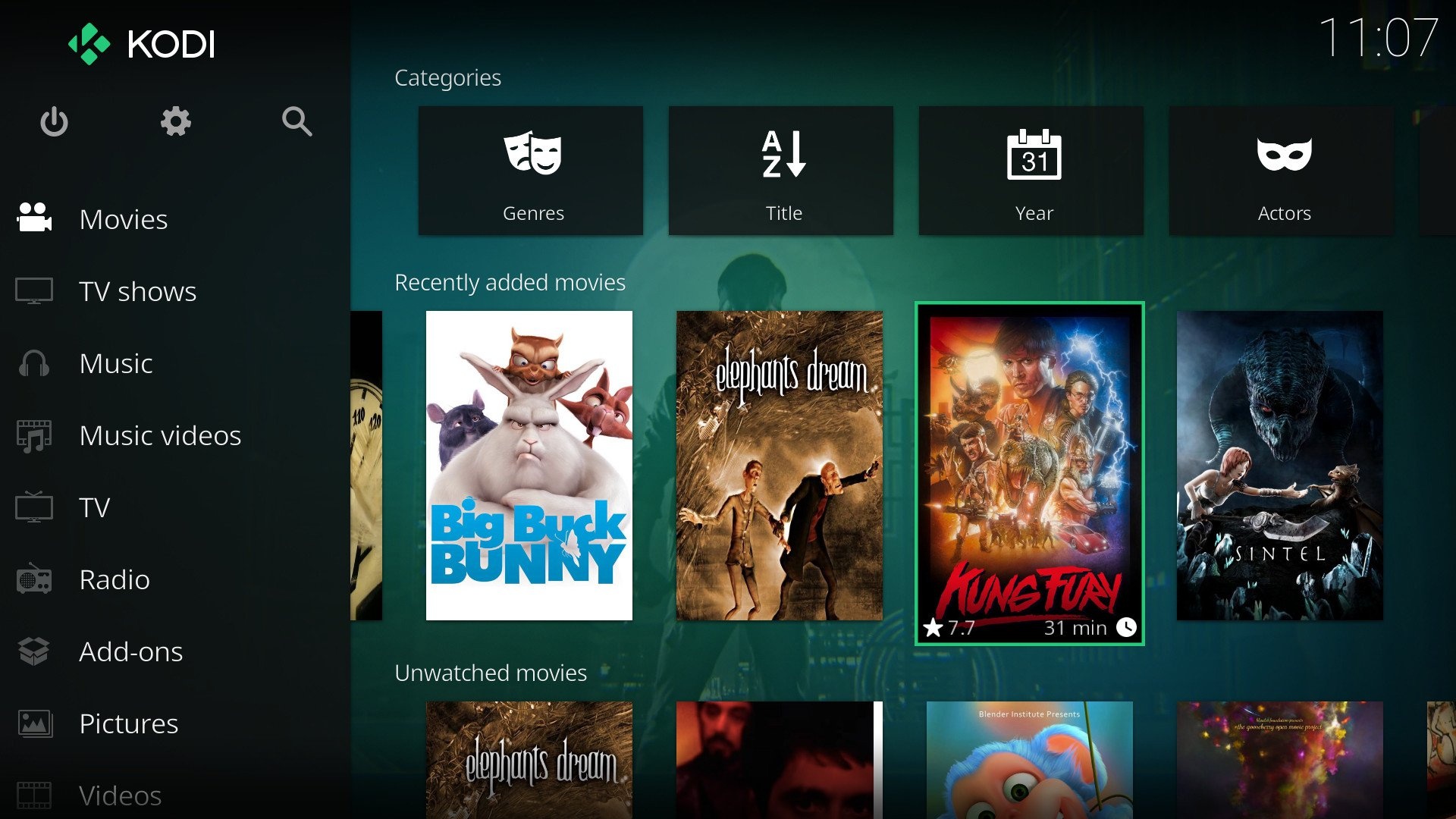 KodiSupported TV & desktop OS · Media center with PVR add-onsView setup details →
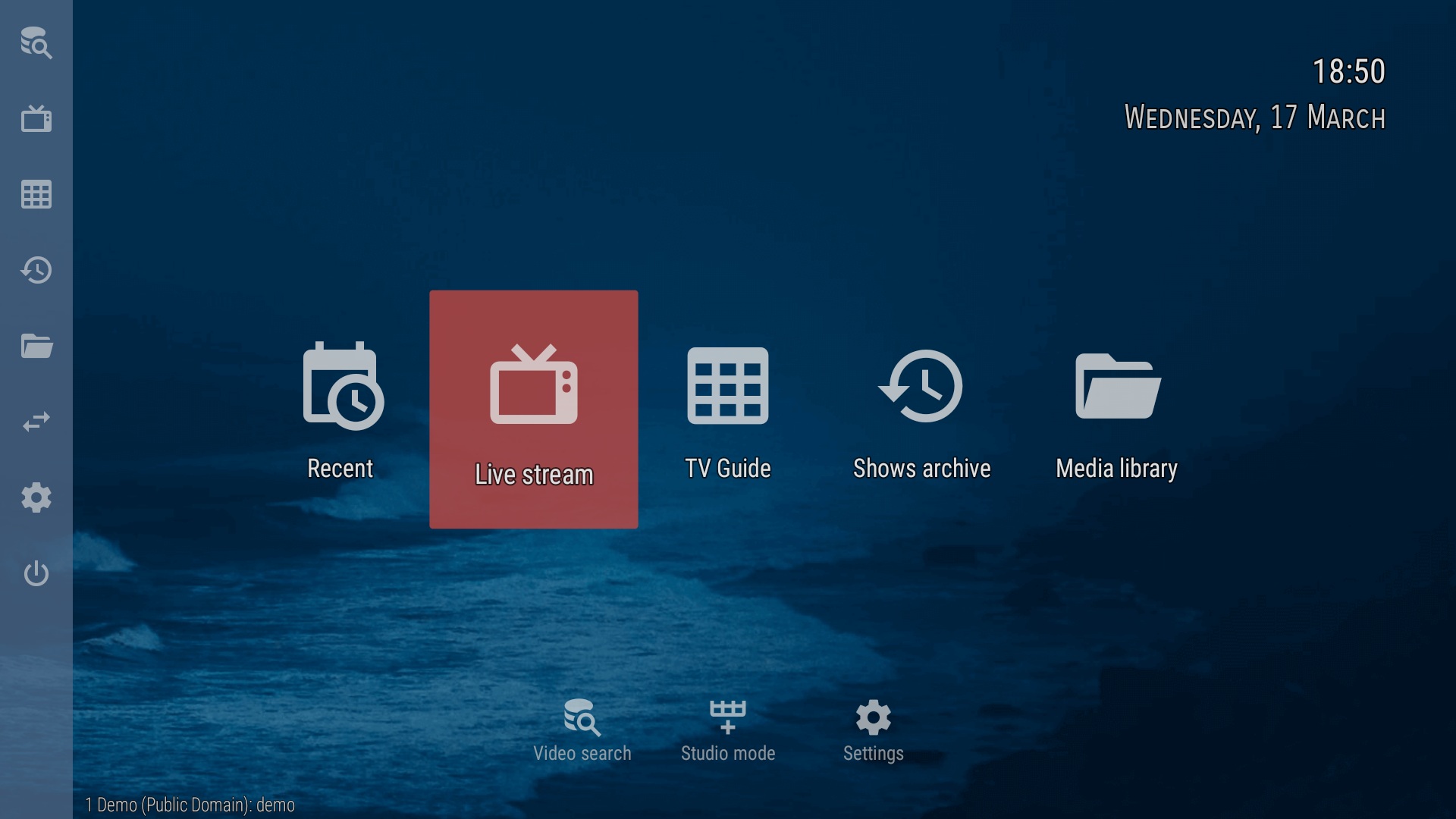 OTT NavigatorAndroid TV · Playlist groups & guide controlsView setup details →
 GSE Smart IPTVCheck current device support · Playlist playback optionsView setup details →
Player screenshots are from third-party websites and app listings; image rights remain with their owners. For live use, obtain permission where needed and host authorized copies in WordPress. IPTV players do not include channels; install from an official app store or trusted developer and connect only content you are allowed to access. Availability depends on operating system and region.
IPTV Players for Smart TVs
Samsung Tizen and LG webOS require apps designed for those platforms. Some players support M3U playlists, while others use an app-specific activation page. Check support for your TV model and region.
Look for clear playlist management, EPG support and an interface that works with your TV remote.
IPTV Players for Fire TV and Android TV
Popular Android-style players offer channel groups, electronic program guides and playlist configuration. Availability can differ on Fire OS versus newer Vega OS hardware.
Check your device operating system before following Firestick setup instructions.
IPTV Players for Apple and Desktop
On iPhone, iPad and Apple TV, verify that the selected app supports iOS, iPadOS or tvOS. Windows and macOS users can use compatible media players to open authorized playlists.
Prefer actively supported software with a clear privacy policy and reliable updates.
Compare IPTV Player Features and Device Support in 2026
A quick reference for supported devices, login methods and guide features before you choose a player.
| Player | Best For | Login Methods | EPG | Typical Devices |
|---|---|---|---|---|
| TiviMate | Android TV / Google TV | M3U, Xtream | Yes | Fire TV, Android TV, Shield |
| Smarters Pro | Multi-device | M3U, Xtream | Yes | Fire TV, Android, iOS, Smart TV |
| Sparkle TV | Android TV with DVR | M3U, Xtream | Yes | Android TV, Fire TV |
| IPTVX | Apple platforms | M3U, Xtream | Yes | Apple TV, iPhone, iPad |
| VLC Media Player | Quick playlist playback | M3U / M3U8 | Limited | Windows, Mac, Linux |
| Kodi | Media center + PVR | PVR add-ons | Add-on | Fire TV, Android, desktop |
| OTT Navigator | Android TV power users | M3U, Xtream | Yes | Android TV, Fire TV |
| GSE Smart IPTV | Playlist playback | Varies by edition | Check app | Check current store listing |
The table is a starting point, not a guarantee of compatibility. Features and supported platforms can change by app version, operating system and country. Confirm the developer's current documentation before installing.
M3U Playlists, Xtream Codes, EPG and Live TV Explained
Learn the terminology you will see when configuring an IPTV subscription or media player.
What Is an IPTV M3U Playlist?
An M3U playlist is a text-based list of media locations. When supported by your IPTV player, a provider-issued M3U URL or file helps the app organize available authorized streams.
Keep private playlist URLs secure and avoid posting them publicly.
What Is an Xtream Codes-Compatible Login?
Some IPTV apps connect using a server or portal URL, username and password. In the player interface, this may be labeled an Xtream Codes API login.
The exact fields and compatibility vary between apps and providers, so use the method specified for your account.
What Are EPG, VOD and Catch-Up TV?
An EPG is an electronic program guide showing channel schedules. VOD means video on demand, while catch-up features may allow replay of recently aired programs where your plan and app support them.
These features are not automatically included with every playlist or IPTV service.
How to Fix IPTV Buffering, Freezing and Login Problems
Use practical checks to narrow down whether a problem comes from the network, device, player or stream.
When IPTV Keeps Buffering or Freezing
A stream that repeatedly pauses does not always mean your internet speed is too low. Congested Wi-Fi, unstable connections, player memory limits and stream availability can also affect playback.
- Test another authorized channel and compare its behavior.
- Try a wired connection or stronger Wi-Fi signal.
- Close unused apps, restart the player and check software updates.
- Compare performance on a second device before changing settings.
When the IPTV Playlist or App Does Not Load
Start with the error message. A missing playlist, incorrect server address, expired credentials or outdated application may require different fixes.
- Confirm the playlist URL, portal address and login spelling.
- Check whether the player supports the supplied login method.
- Verify the device clock and internet access.
- Ask your provider to check account status if login continues to fail.
What to Check When Comparing IPTV Services
Good setup starts before installation: verify the content, support options and compatibility of the package you are considering.
Channels, Sports and Movies
Ask for the current channel list and check the live TV, sports and video-on-demand selections available in your region. HD and 4K availability depends on the source, plan, device and connection. Confirm licensing and access rights for the content you intend to watch.
Subscription Terms and Device Limits
Compare package duration, how many simultaneous connections are allowed, compatible devices and any player activation costs. Make sure you understand support arrangements, renewal terms and payment conditions before ordering an IPTV subscription.
Common IPTV Setup Questions
Short explanations for frequently encountered setup and compatibility questions.
Is IPTV the same as an IPTV player?
No. IPTV describes delivering television over internet networks. An IPTV player is software that displays streams and may organize playlists, channels, and guide data. Player apps do not automatically include channels or viewing rights.
Can I use the same IPTV player on every device?
Not always. Fire TV, Samsung Tizen, LG webOS, Android TV, tvOS and desktop operating systems have different app support. Check the software available for your exact model before installing.
What details do I need to configure IPTV?
Depending on the player, you may need an authorized M3U URL or file, an Xtream Codes-compatible server URL plus username and password, or a MAG portal URL. Do not share credentials publicly.
Why does an IPTV stream keep freezing?
Weak Wi-Fi, network congestion, device resource limits, player settings, or the stream source can contribute. Test another authorized stream, restart the app, compare wired or stronger Wi-Fi, and check device updates.
Do I need a VPN to watch IPTV?
A VPN is not required by every setup. Use one only if it is legal in your region and compatible with the service terms you agreed to. Some IPTV apps and playlists may not work with certain VPN configurations.
What internet speed do I need for 4K IPTV?
Plan for roughly 25 Mbps or more of stable bandwidth for a single 4K stream, and add extra headroom for concurrent HD streams in other rooms. Actual requirements vary by compression and source.
Why does the EPG not match the channel list?
Guide data depends on the source and how the playlist is structured. Reimport or refresh the EPG in your player settings, check that the correct EPG URL is loaded, and give the app a few minutes to sync.
Where can I get setup help?
Contact Sofa IPTV support for compatibility questions or help choosing a player. Use only authorized playlists and apps, and never share your private login credentials publicly.
Need Help With Your Sofa IPTV Setup?
Not sure which IPTV player works on your TV or streaming device? Contact Sofa IPTV for setup instructions, compatibility questions and subscription details.